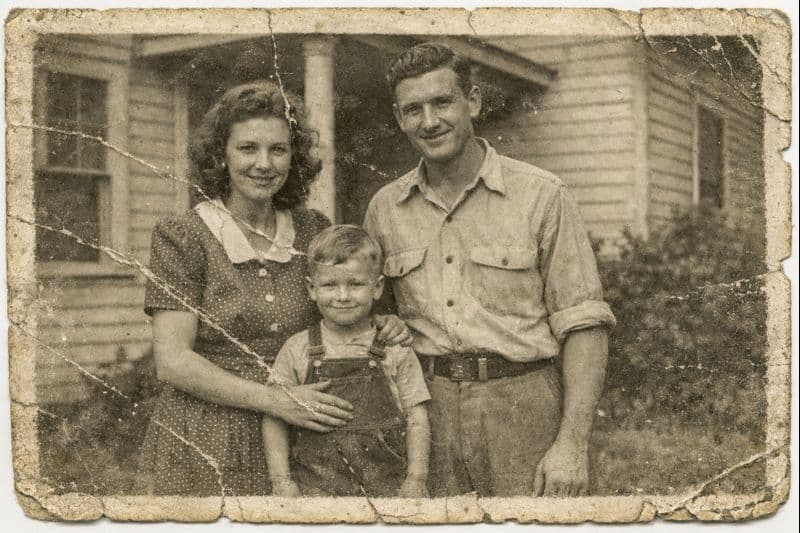
AI photo restoration for iPhone
Restore Old Photos with AI on Your iPhone
Repair scratches, cracks and fading, add natural color to black and white photos and bring faces back into focus. One tap, no editing skills.

Free download · 1 free photo

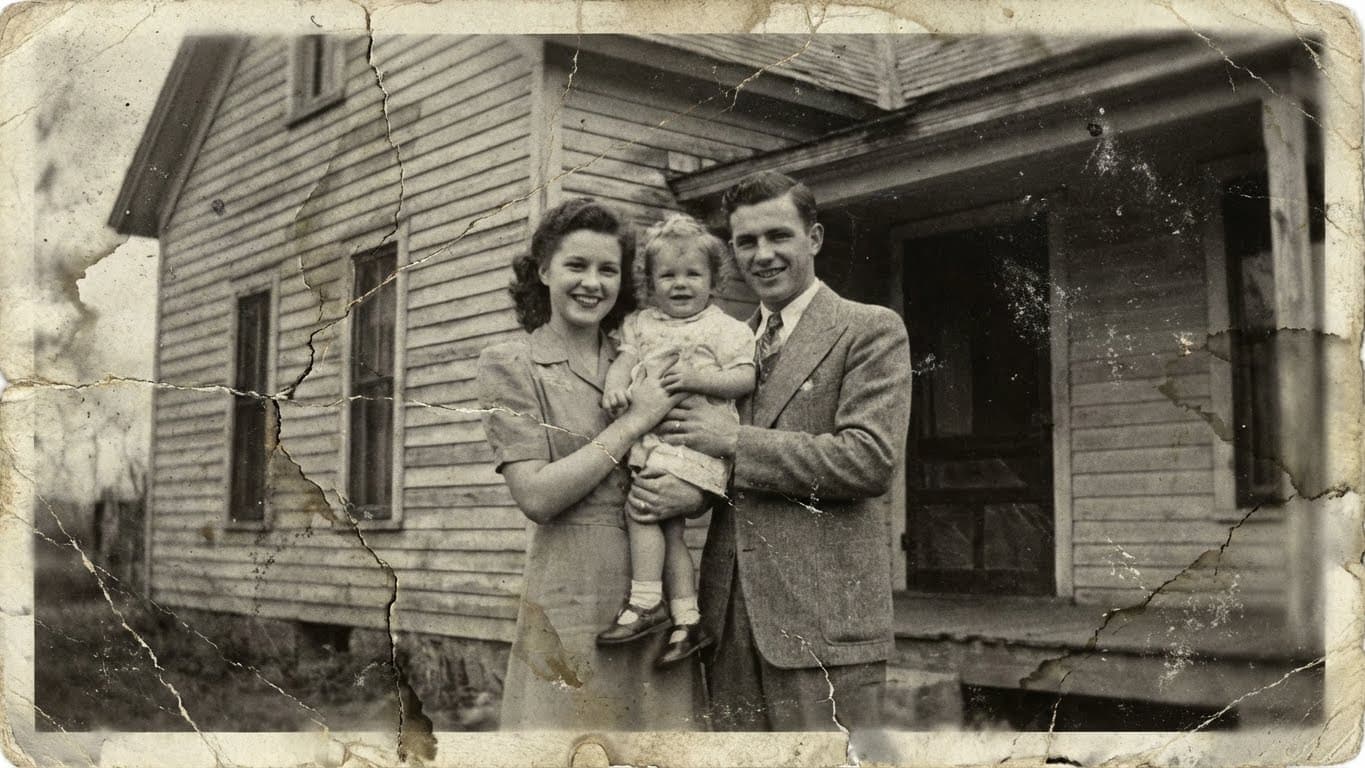
5.0 on the App Store
Rated by people restoring family photos
10K+ photos restored
Family memories brought back to life
Private by design
No account. We don't keep your photos.
Download RetroPic
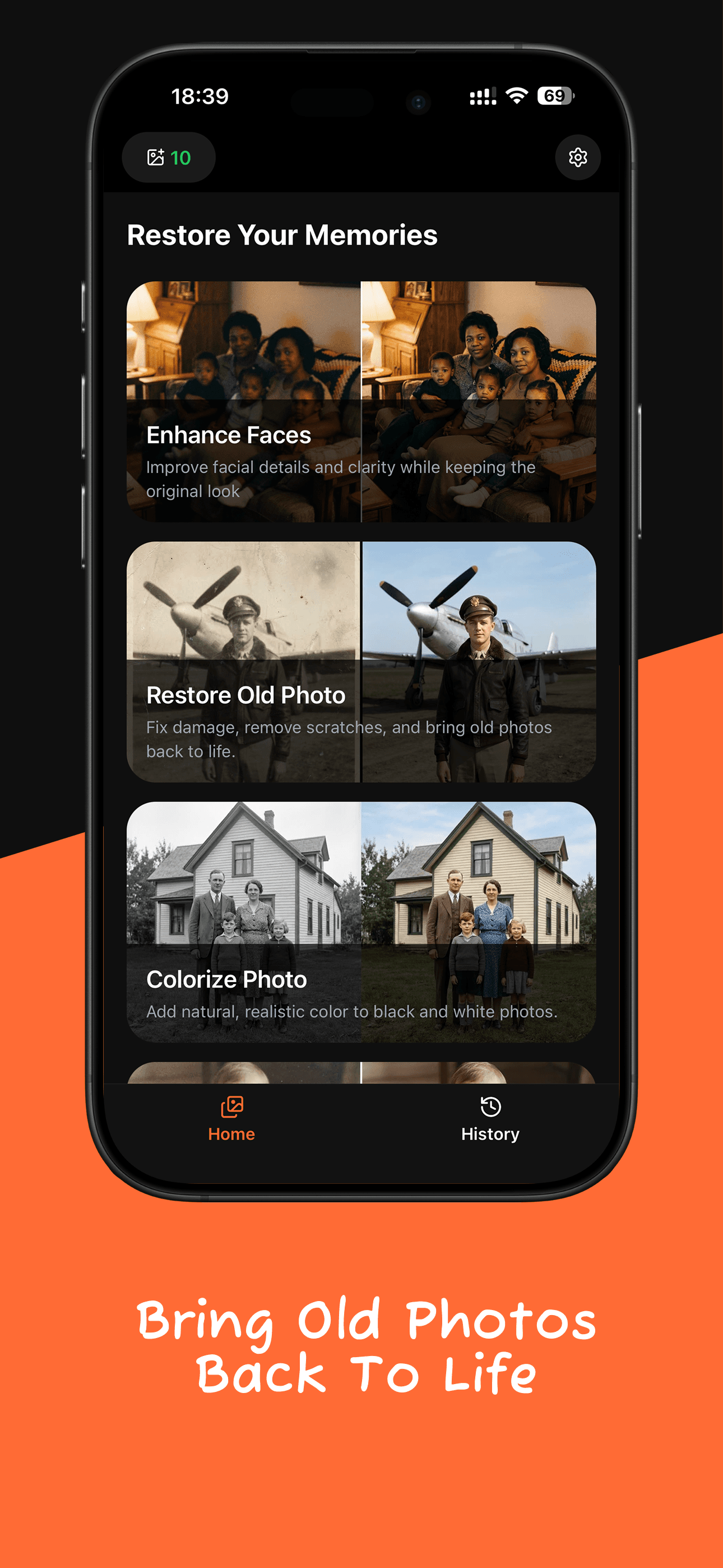
Four AI tools for every old photo
Scratched, faded, blurry or black and white: pick the tool, tap once, and save the result.
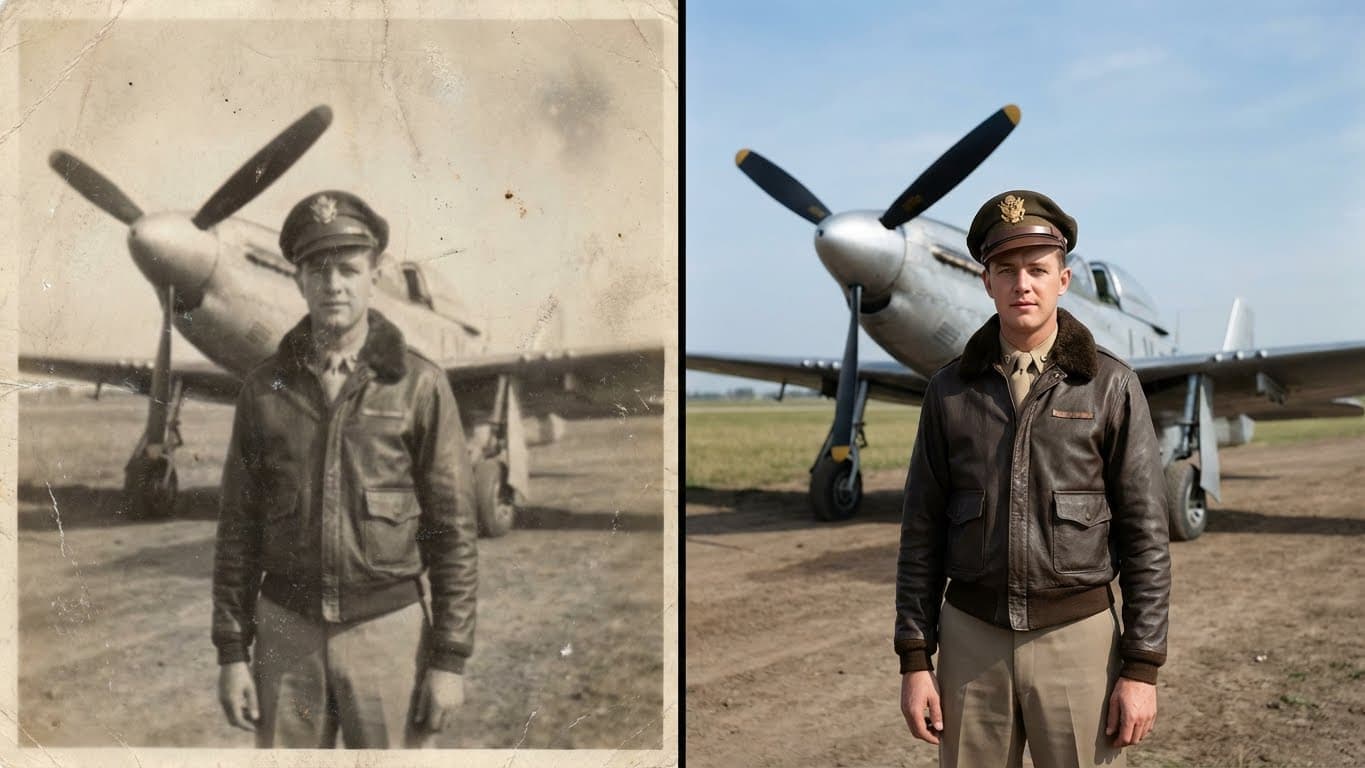
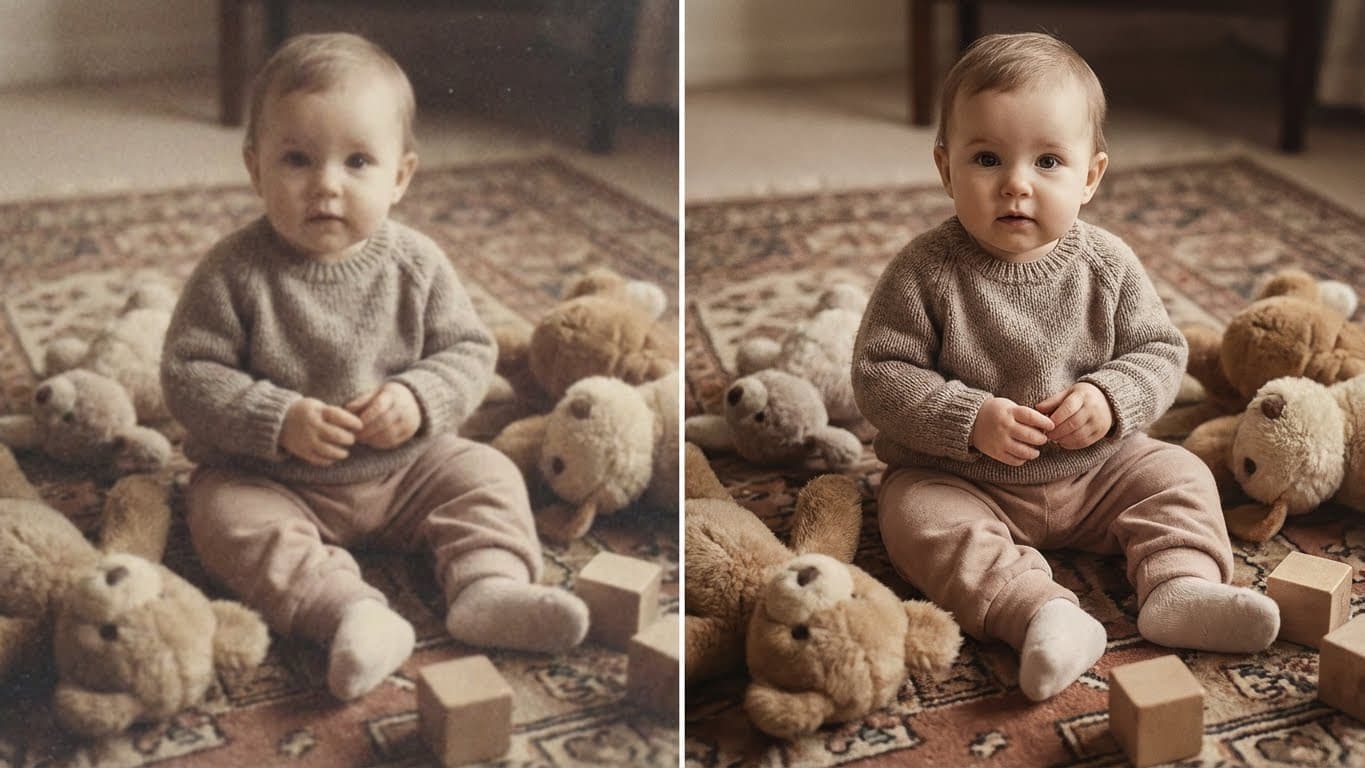
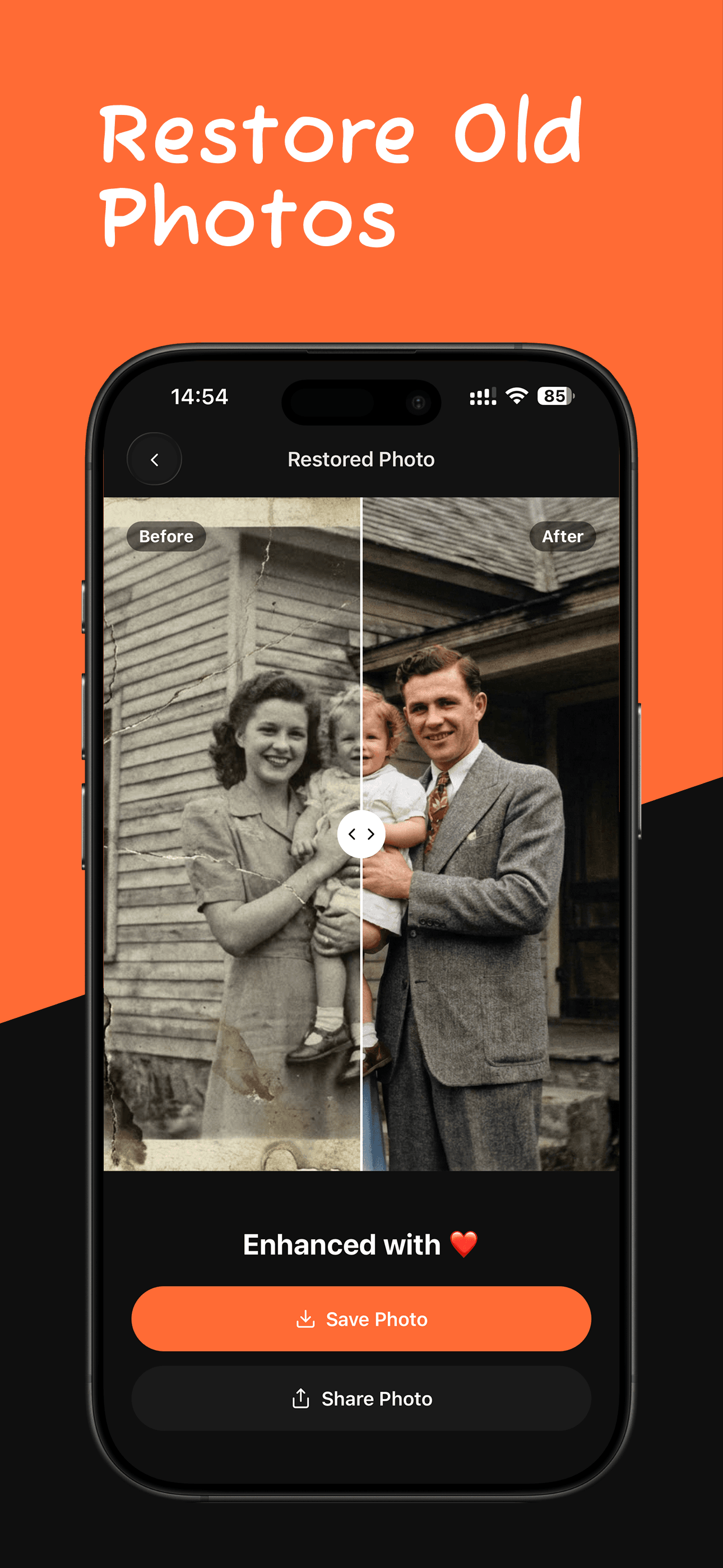
Restore Old Photo
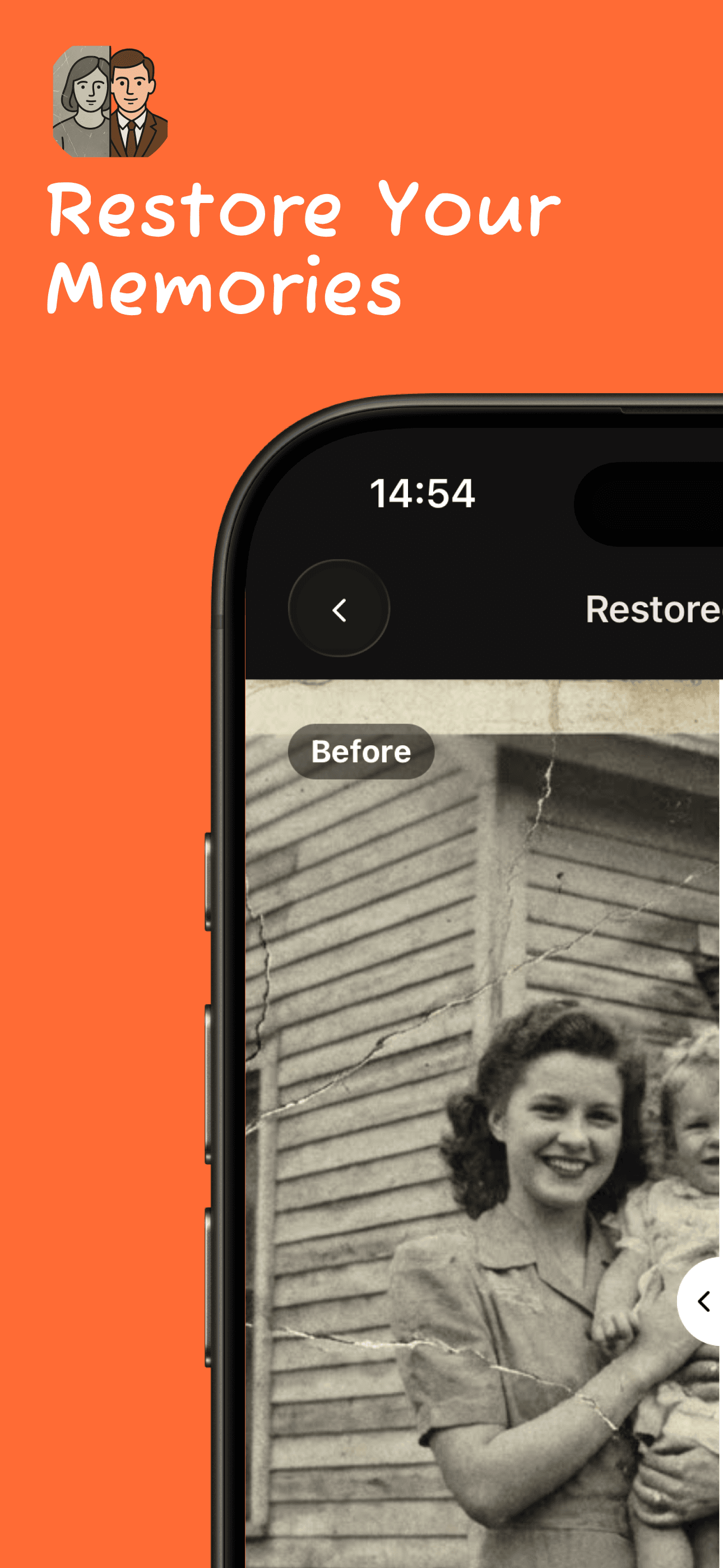
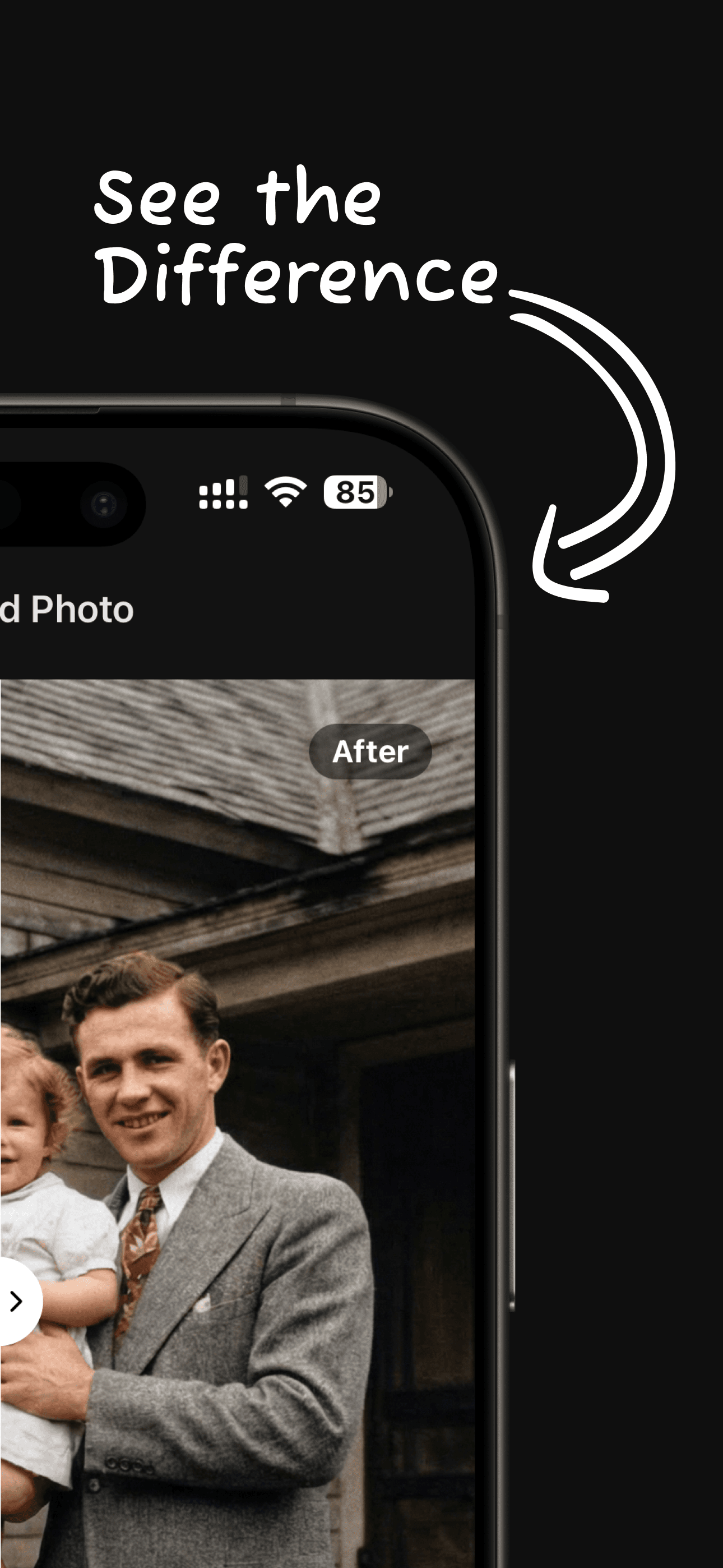
Remove scratches, cracks, stains and fading, and add natural color, in one tap.
Read the guide →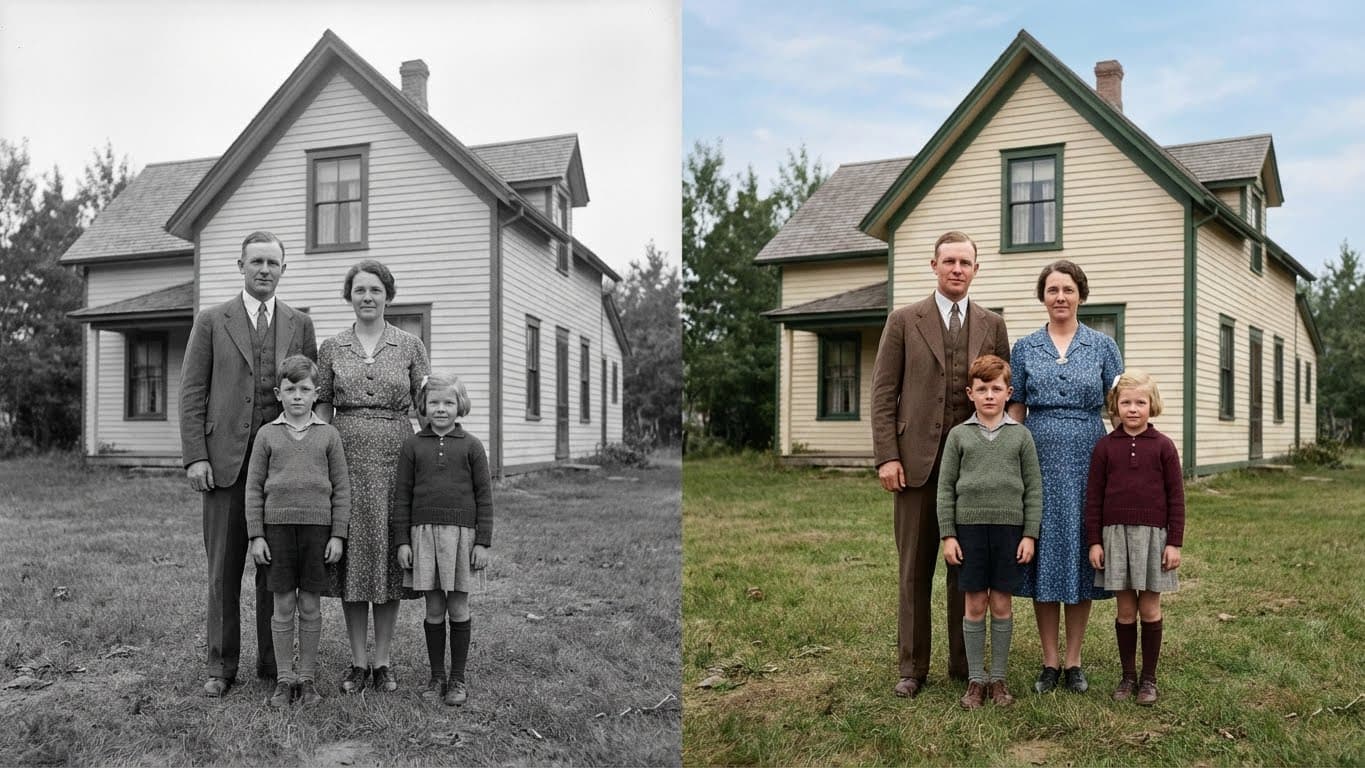

Screenshots
See RetroPic in action
How it works
Restore an old photo in three steps
- 1
Pick a photo
Open RetroPic and choose an old photo from your library, or a phone scan of a printed photo.
- 2
Choose a tool
Tap Restore, Colorize, Enhance Quality or Enhance Faces. The AI does the work, no editing skills needed.
- 3
Save and share
Drag the slider to compare before and after, then save the result to Photos or share it with family.
Guides
Photo restoration guides
Step-by-step answers to the most common questions about old photos.
How to Colorize Black and White Photos
Turn black and white family photos into natural color on your iPhone. How AI colorization works, what to expect, and how to get the best result.
Read guide →How to Increase the Resolution of an Old Photo
Upscale a small old photo 4x for printing or framing. What resolution you need for print, and how to upscale and restore faces on your iPhone.
Read guide →How to Make Old Photos Clearer
Why old photos look soft and blurry, what the sharpen slider can and cannot do, and how to make an old photo clearer with AI on your iPhone.
Read guide →How to Restore Old Photos on iPhone
Fix scratched, cracked and faded old photos on your iPhone in minutes. How to scan a print, restore it with AI, and save a clean copy.
Read guide →How to Restore Water Damaged Photos
What to do right away with wet or water damaged photos, how to dry them safely, and how to repair stains and fading digitally on your iPhone.
Read guide →
FAQ
Frequently asked questions
Can AI restore old photos?
Yes. AI can remove scratches, cracks, stains and fading, and rebuild lost detail in faces. RetroPic does this in one tap on your iPhone, and it also adds natural color to black and white photos. Results are best when the original is scanned sharply and the main subject is still visible.
Learn More →How do I restore old photos on my iPhone?
Scan or photograph the print in good light, open RetroPic, pick the photo and tap Restore Old Photo. Compare the result with the slider and save it to Photos.
Learn More →How do I colorize a black and white photo?
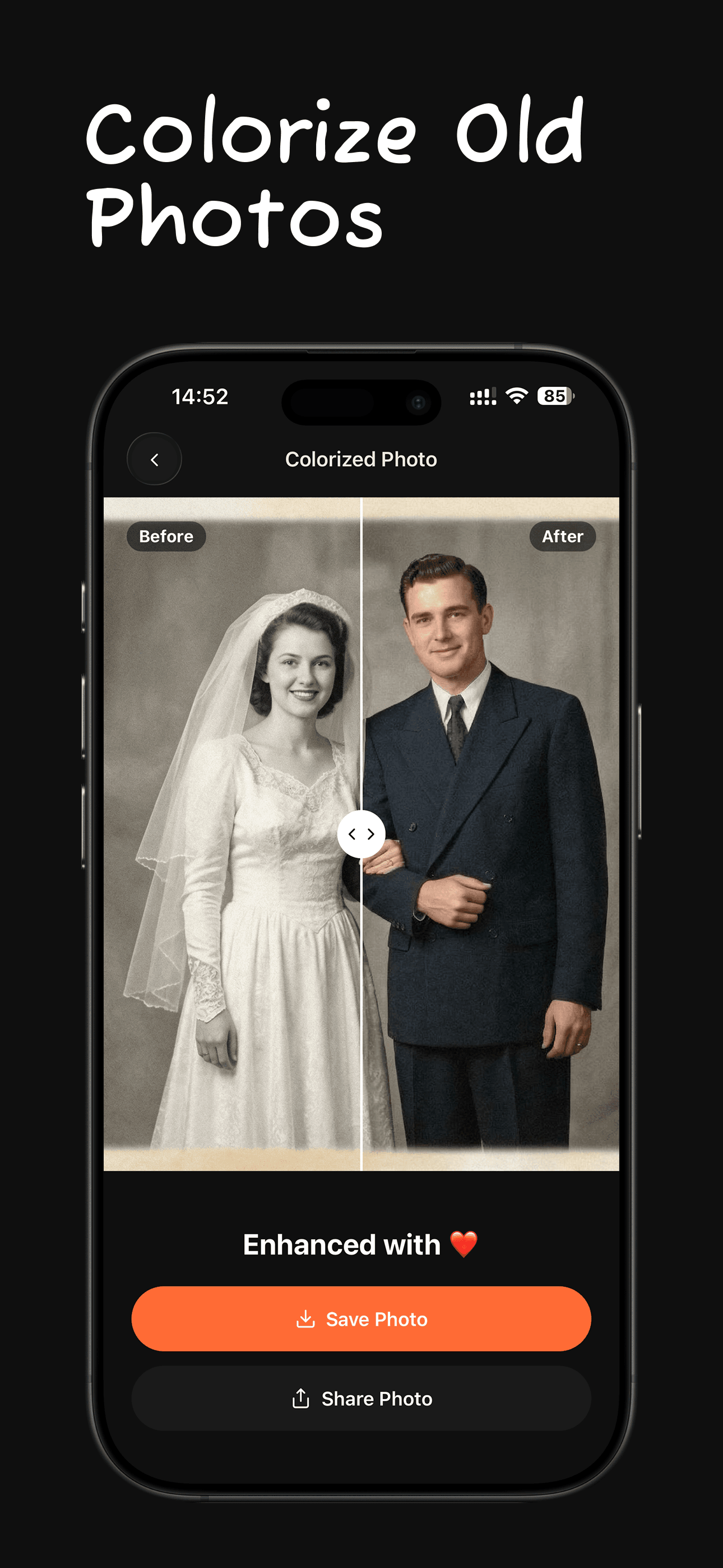
Open RetroPic, choose the black and white photo and tap Colorize Photo. The AI adds natural skin tones, clothing and background colors. The original stays unchanged in your library.
Learn More →Are AI colorized photos accurate?
AI colorization gives a realistic, plausible result, not a historical record. It predicts likely colors from the content of the photo. If you know the real color of a dress or a car, treat the result as an interpretation.
Learn More →How can I make a blurry old photo clear?
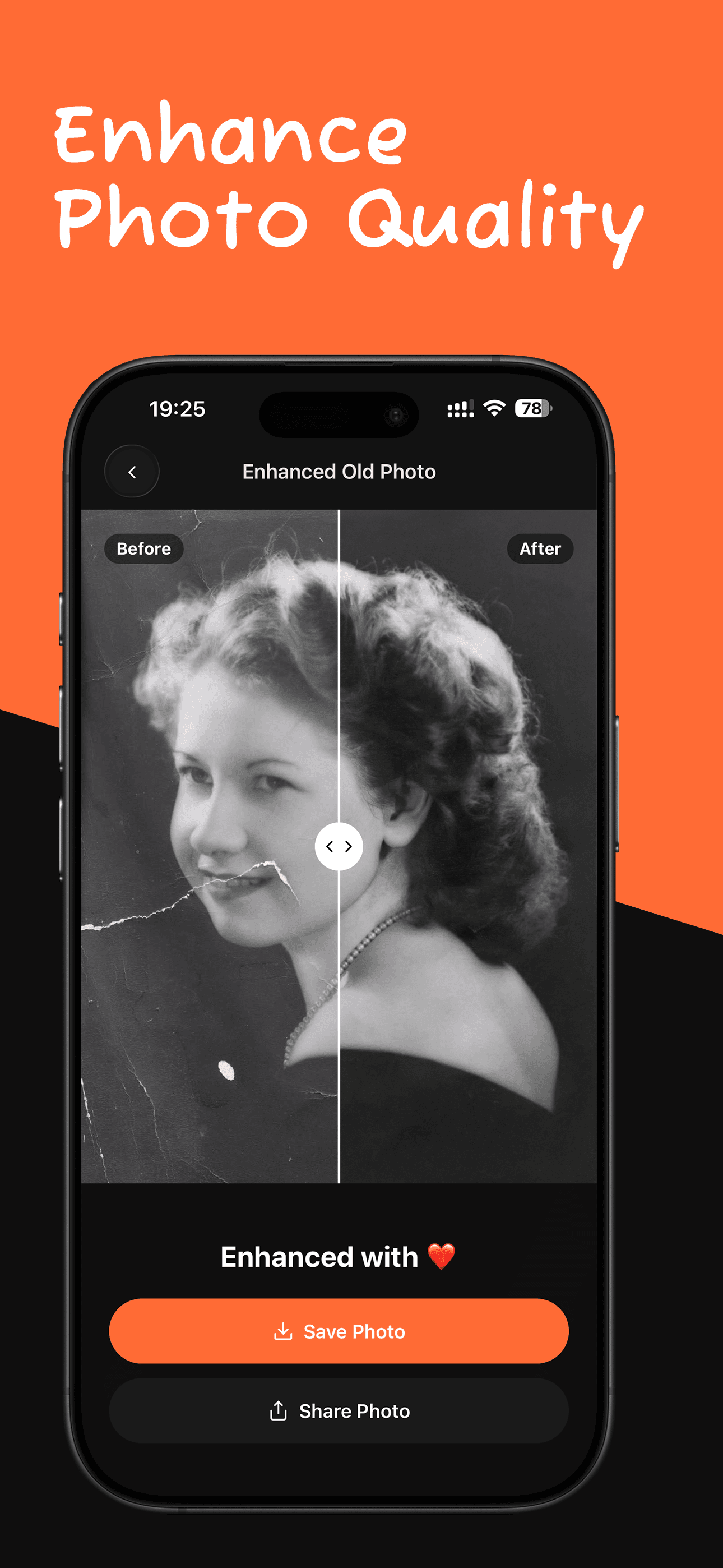
Use AI enhancement instead of a sharpen slider. In RetroPic, tap Enhance Quality: it rebuilds edges and texture while keeping the photo's original look. Very heavy motion blur can improve but may not become fully sharp.
Learn More →Can I increase the resolution of an old photo for printing?
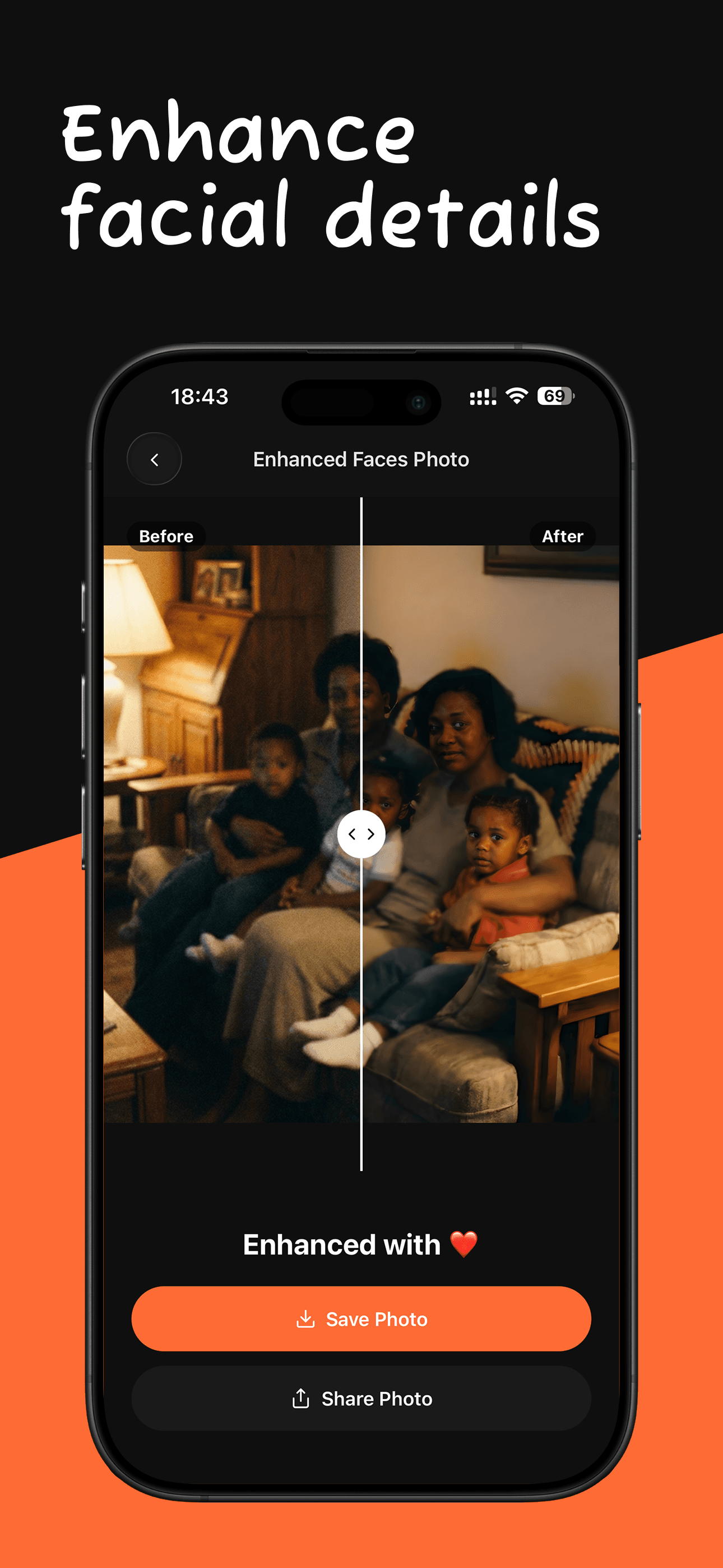
Yes. The Enhance Faces tool in RetroPic upscales a photo 4x and restores facial detail. A small scan can then print at a larger size without looking pixelated.
Learn More →Can water damaged photos be restored?
Often, yes. First dry the print flat and scan it. Then RetroPic can reduce stains, color shifts and fading. Parts of the image that the water fully washed away cannot be recovered exactly.
Learn More →Is there a free app to restore old photos?
RetroPic is free to download and gives every new device 1 free credit, so you can restore one photo before you subscribe. After that, a subscription adds credits: 10 per week or 30 per month.
Do I need an account to use RetroPic?
No. There is no sign-up, no email and no password. You open the app and start restoring.
What happens to the photos I upload?
Your photo is uploaded over an encrypted connection for AI processing. The uploaded original is auto-deleted from our storage within 24 hours. Your restored photos and history stay on your iPhone.
How much does RetroPic cost?
Download is free and includes 1 free credit. The weekly plan is $8 per week for 10 credits. The monthly plan gives 30 credits per month. One credit processes one photo, and unused credits do not carry over.
Does RetroPic work on Android?
Not yet. RetroPic is available for iPhone on the App Store.

Bring your old photos back to life
Download RetroPic for iPhone. Your first photo is free.
Scan with your iPhone camera